
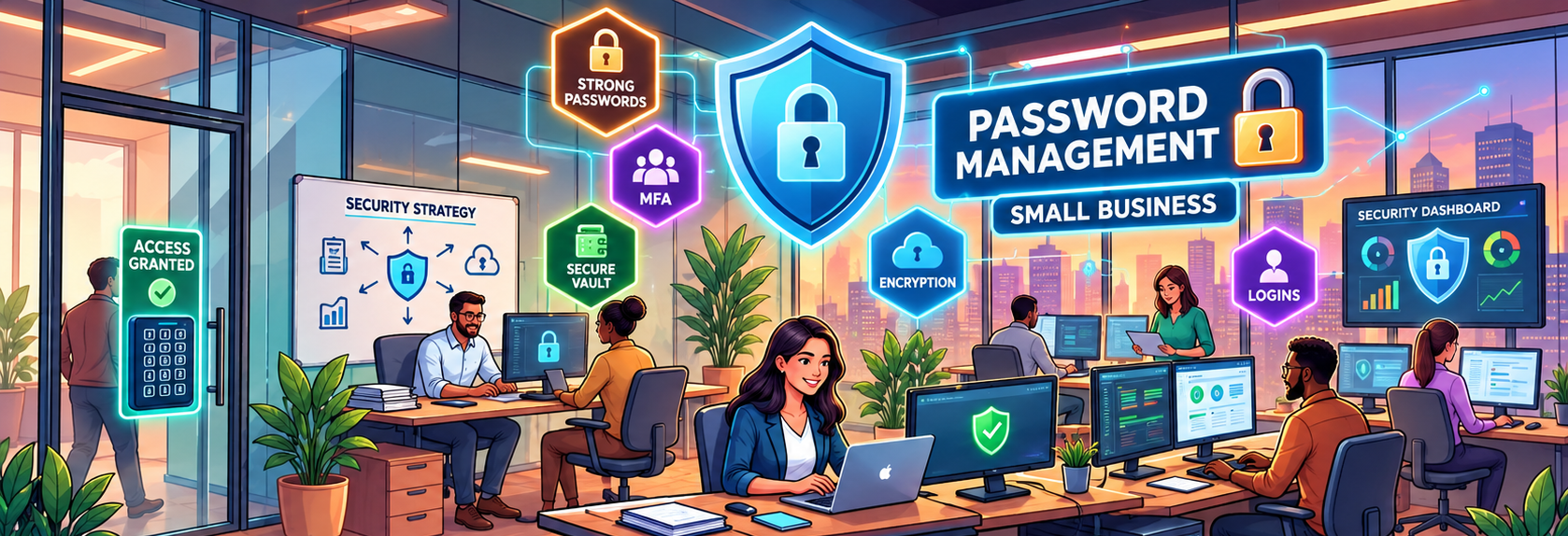
Passwords protect some of your business’s most important systems—from email and accounting software to payroll, banking, cloud storage, ecommerce platforms, and social media.
But password security in 2026 isn’t about forcing employees to create something like Business2026! and change it every 90 days.
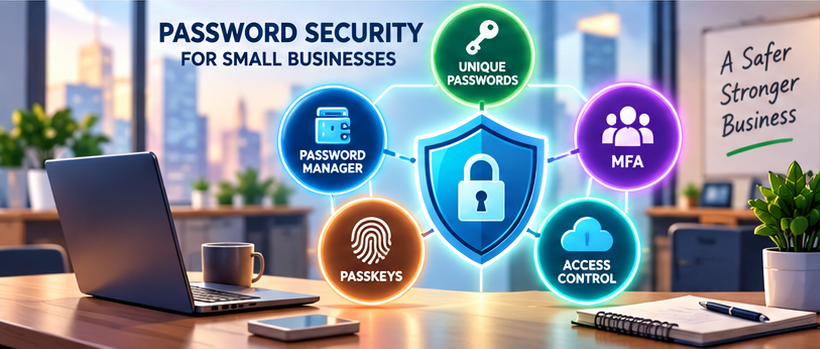
Modern security guidance focuses on long, unique passwords, password managers, multifactor authentication (MFA), passkeys where available, careful access management, and fast action when credentials may be compromised.
Here’s how small businesses can put those principles into practice.
Affiliate Disclosure: This article contains affiliate links. If you join Wealthy Affiliate through one of my links, I may earn a commission at no additional cost to you. I recommend only products and services I have personally used or genuinely believe will add value for my readers. All opinions expressed in this review are my own.
1. Make Passwords Long, Not Needlessly Complicated
Traditional password policies often require an uppercase letter, a lowercase letter, a number, and a special character.
That approach is outdated.
Current NIST guidance places greater emphasis on password length and blocking commonly used or compromised passwords rather than forcing arbitrary character combinations.
For systems where a password is the only authentication factor, NIST’s current guidance sets a minimum of 15 characters. When a password is used as part of an MFA process, systems may allow a shorter minimum, but NIST specifies at least eight characters.
For everyday business use, the practical lesson is simple:
- Favor longer passwords or passphrases.
- Make every password unique.
- Don’t rely on predictable substitutions such as
P@ssword1. - Avoid company names, usernames, product names, and easily guessed information.
When a service permits longer passwords, take advantage of it.
2. Never Reuse Important Business Passwords
Password reuse can turn one compromised account into several.
If an employee uses the same password for email, accounting software, cloud storage, and another service, exposure of that password could put multiple systems at risk.
Give every account a unique password, especially:
- Business email
- Accounting and bookkeeping software
- Banking
- Payroll
- Payment processors
- Cloud storage
- Administrator accounts
Your business email account deserves particular attention because it may be used to reset passwords for other services.
3. Use a Business Password Manager
Expecting employees to memorize dozens of long, unique passwords encourages shortcuts.
A reputable password manager can generate, store, and autofill unique credentials so employees don’t have to remember every password themselves.
For a small business, look for features such as:
- Business or team accounts
- Strong encryption
- MFA
- Role-based sharing
- Administrative controls
- Account recovery procedures
- Access and activity reporting
- Simple employee offboarding
Avoid emailing or messaging passwords in plain text.
If several employees genuinely need access to the same credential, use controlled sharing through an appropriate password-management system rather than passing the password around manually.
IntegriBooks CTA: Protect the Systems Behind Your Financial Records
Strong account security and organized financial processes work together to reduce unnecessary business risk.
See how IntegriBooks can help you maintain cleaner, better-organized business financial records.
4. Stop Changing Passwords Just Because the Calendar Says So
The old advice to change every password every 30, 60, or 90 days is no longer considered a password best practice.
NIST says you shouldn’t change passwords periodically without a reason.
Instead, change a password promptly when:
- You know or suspect it has been compromised.
- It appears in a known breach.
- Someone unauthorized may have obtained it.
- A shared credential was accessible to someone who should no longer have access.
- Your security team or service provider identifies a credible threat.
This reduces the temptation to make predictable changes such as turning Company2025! into Company2026!.
5. Turn On Multifactor Authentication
A strong password shouldn’t be your only defense.
Enable MFA wherever practical, particularly for:
- Banking
- Accounting software
- Payroll
- Cloud storage
- Payment platforms
- Administrator accounts
Not all MFA methods provide the same level of protection.
One-time codes from an authenticator app can add meaningful protection, but manually entered codes can still be captured by sophisticated phishing attacks.
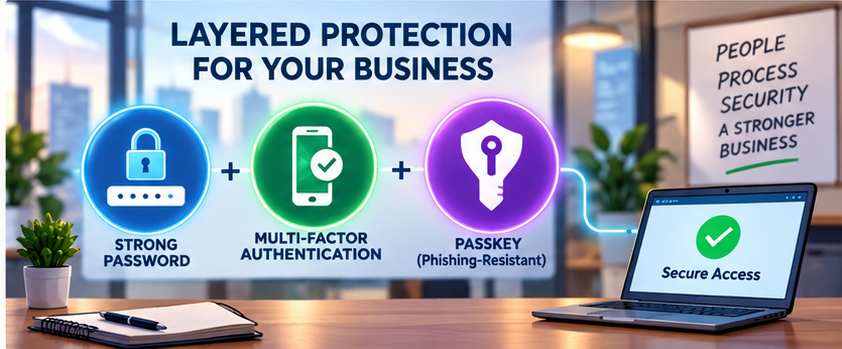
Where supported, consider phishing-resistant authentication, such as properly implemented passkeys or hardware security keys, particularly for administrators and high-value accounts.
6. Consider Passkeys
Passkeys are increasingly available as an alternative to traditional passwords.
Instead of sending a reusable password to a website, passkeys use cryptographic authentication tied to the legitimate service. Properly implemented passkeys can therefore provide strong resistance to phishing.
Small businesses don’t need to eliminate every password immediately.
A practical approach is to adopt passkeys first for important services that support them while continuing to use strong password-manager-generated credentials elsewhere.
7. Use SSO Carefully
Single sign-on (SSO) allows employees to access multiple business applications through a central identity provider.
That can simplify account management and make it easier to remove access when an employee leaves.
However, the central account becomes especially important.
If your business uses SSO:
- Protect the identity account with strong MFA.
- Prefer phishing-resistant authentication when available.
- Limit administrator privileges.
- Review connected applications.
- Monitor unusual login activity.
- Maintain secure account-recovery procedures.
SSO can reduce password sprawl, but it isn’t a replacement for good identity security.
8. Give Employees Their Own Accounts
Avoid having several employees use one generic login whenever individual accounts are available.
Individual accounts make it easier to:
- Control permissions
- Review activity
- Investigate suspicious changes
- Remove access
- Determine who acted.
Use the least-privilege principle: employees should receive only the access they need to perform their jobs.
Owners and managers shouldn’t automatically give everyone administrator access.
9. Build Password Security Into Employee Offboarding
When an employee or contractor leaves, don’t rely on changing one password and assuming access is gone.
Your offboarding checklist should include:
- Deactivate the person’s accounts.
- Remove SSO access.
- Revoke active sessions where available.
- Remove access to password-manager vaults.
- Review shared credentials.
- Remove registered authentication devices.
- Revoke unnecessary app integrations or tokens.
- Transfer ownership of important business accounts and files.
Do this promptly, especially for users with financial or administrator access.
10. Protect Password Resets and Recovery
A strong password won’t help much if an attacker can easily take over the recovery process.
Review:
- Recovery email addresses
- Recovery phone numbers
- Backup authentication methods
- Recovery codes
- Administrator recovery privileges
Store recovery codes securely, not in email, chat messages, or an unsecured document.
Avoid relying on traditional security questions such as a pet’s name or mother’s maiden name when stronger recovery options are available.
Small Business Password Security Checklist for 2026
Use this checklist as a starting point:
- Use long, unique passwords.
- Use a business password manager.
- Never reuse critical business credentials.
- Enable MFA on sensitive accounts.
- Adopt passkeys where appropriate.
- Protect administrator and SSO accounts especially carefully.
- Give employees individual accounts.
- Limit permissions based on job responsibilities.
- Review access regularly.
- Remove departing employees and contractors promptly.
- Protect recovery methods and codes.
- Change passwords when compromise is suspected—not simply because 90 days have passed.
- Train employees to recognize credential phishing.
Frequently Asked Questions
How often should a small business change passwords?
Don’t require arbitrary periodic password changes. Change credentials when there is evidence or reasonable suspicion of compromise or another specific security reason.
Are passwords with symbols automatically stronger?
No. Length, uniqueness, unpredictability, and avoiding compromised passwords matter more than satisfying an arbitrary uppercase-number-symbol formula.
Should small businesses use password managers?
They can be a practical way to generate and manage unique passwords at scale. Businesses should evaluate security features, MFA, recovery procedures, administrative controls, and employee-access management before choosing a provider.
Are passkeys better than passwords?
Properly implemented passkeys can provide phishing-resistant authentication and remove the need to transmit a reusable password. Availability and implementation vary so that businesses may use passkeys alongside passwords during the transition.
Build Better Password Habits in 2026
The best password practices for small businesses aren’t about creating increasingly complicated rules.
Focus on a manageable security system: long and unique passwords, a password manager, MFA, passkeys where appropriate, controlled access, secure recovery, and reliable employee onboarding and offboarding.
Password security should also be part of a broader approach to protecting your financial systems, accounting records, and business information.
IntegriBooks CTA: Keep Your Financial Processes Organized
Better bookkeeping organization can make it easier to control access, review financial activity, and identify transactions that need attention.
Connect with IntegriBooks to build a cleaner, more organized bookkeeping process for your business.