
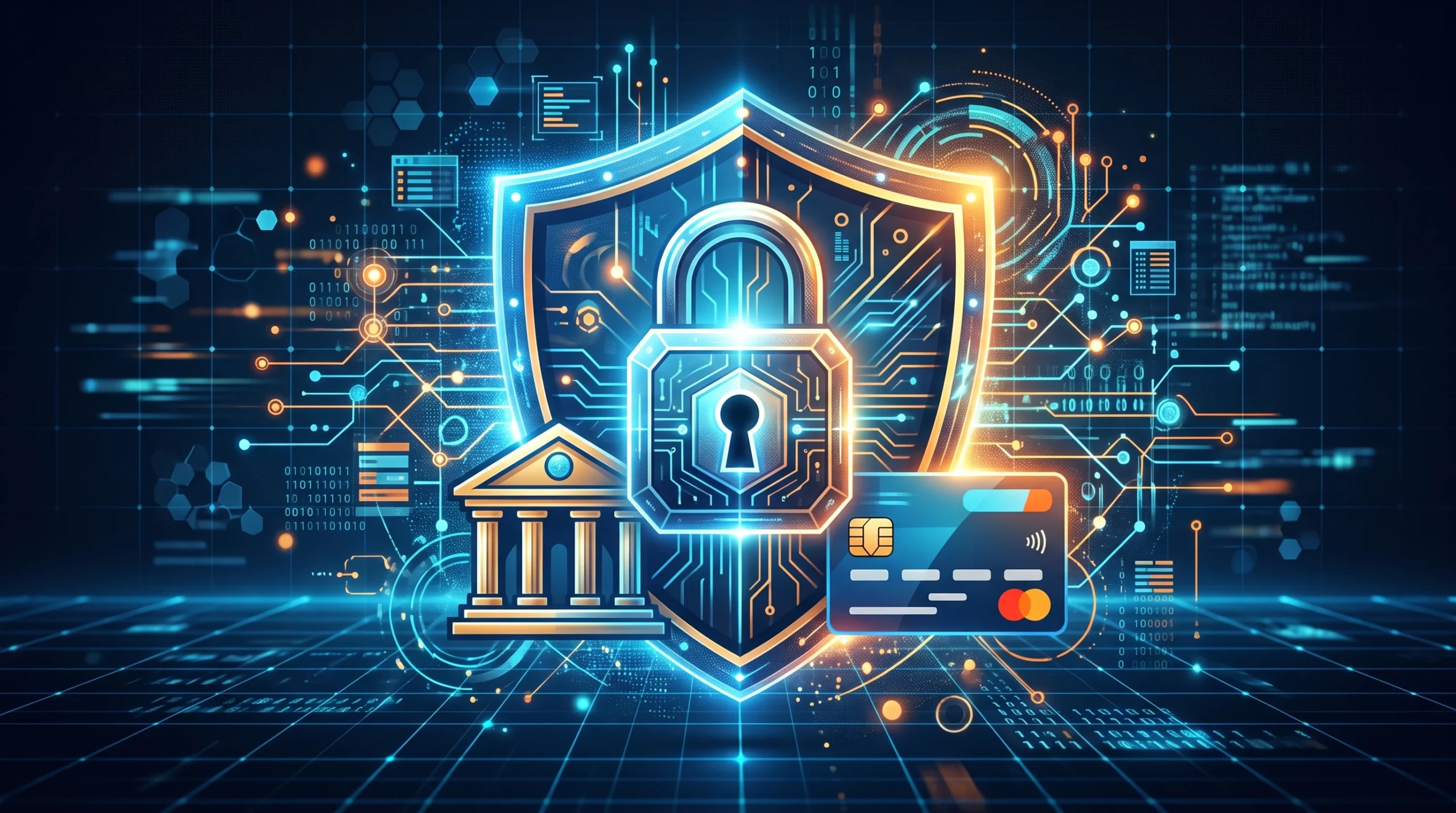
Financial data is among the most sensitive information a small business handles.
Banking details, payroll records, tax documents, customer information, accounting credentials, invoices, payment instructions, and financial statements can all become valuable targets for cybercriminals.
Fortunately, protecting financial data from cybercriminals doesn’t require turning every business owner into a cybersecurity specialist. A combination of strong authentication, careful access controls, employee awareness, secure backups, and a clear response plan can significantly improve your defenses.
Here’s what small businesses should prioritize in 2026.
Affiliate Disclosure: This article contains affiliate links. If you join Wealthy Affiliate through one of my links, I may earn a commission at no additional cost to you. I recommend only products and services I have personally used or genuinely believe will add value for my readers. All opinions expressed in this review are my own.
1. Know Which Financial Data Needs Protection
Start by identifying where sensitive information exists.
That may include:
- Bank and credit card information
- Tax documents
- Payroll records
- Employee personal information
- Customer payment information
- Accounting and bookkeeping records
- Vendor banking information
- Invoices
- Financial statements
- Login credentials
- Cloud-stored financial documents
Then ask who actually needs access.
An employee should not automatically have access to payroll, banking, tax, and accounting records simply because they work for the company.
Apply the principle of least privilege: give people access to the information they need for their responsibilities, and remove access when it is no longer needed.
2. Use Long, Unique Passwords
Forget the old advice that every password needs a complicated mixture of uppercase letters, lowercase letters, numbers, and symbols—or that passwords should automatically be changed every few months.
Current NIST guidance emphasizes password length and specifically says service providers should not impose arbitrary composition rules or require periodic password changes without evidence of compromise.
For financial accounts:
- Use a unique password for every account.
- Make passwords long.
- Use a reputable password manager.
- Never reuse your banking or business email password elsewhere.
- Change a password promptly if compromise is suspected.
A password manager can generate and store unique credentials, reducing the temptation to reuse easy-to-remember passwords.
3. Require Multifactor Authentication
Passwords alone aren’t enough for sensitive business systems.
Enable multifactor authentication (MFA) wherever available, especially for:
- Business email
- Online banking
- Accounting software
- Payroll platforms
- Cloud storage
- Payment systems
- Administrator accounts
- Remote access
Not all MFA is equally resistant to attack.
Where supported, consider phishing-resistant authentication, such as properly implemented security keys or passkeys. Authenticator apps can also improve security, while SMS or email verification codes generally provide weaker protection and are best used when stronger alternatives aren’t available.
Watch Out for MFA Fatigue
If you receive an authentication request you didn’t initiate, don’t approve it.
Unexpected MFA prompts can indicate that someone already has your password and is attempting to convince you to approve their login.

4. Learn to Recognize Financial Phishing
Cybercriminals don’t always attack technology. Sometimes they attack the person using it.
A fraudulent email might appear to come from:
- Your bank
- A customer
- Your accountant or bookkeeper
- A vendor
- A company executive
- A payroll service
- A payment processor
One particularly dangerous scenario for businesses is a fraudulent request to change vendor payment or bank-account information.
Don’t approve a financial change simply because an email looks legitimate.
Verify unusual payment instructions using a separate, trusted communication method—for example, call a known contact using a number already in your records rather than one supplied in the suspicious message.
Be especially cautious with urgent requests involving money, credentials, invoices, wire transfers, gift cards, or account changes.
CTA: Better Financial Organization Supports Better Security
Clean bookkeeping doesn’t replace cybersecurity, but knowing where your financial records are and who should have access makes sensitive information easier to manage.
See how IntegriBooks can help keep your business financial records cleaner and better organized.
5. Keep Devices and Software Updated
Computers and phones used to access financial information should receive security updates promptly.
Protect business devices with:
- Automatic updates where appropriate
- Screen locks
- Device encryption
- Malware protection appropriate to the system
- Secure administrative settings
- Remote-lock or wipe capabilities where appropriate
Avoid assuming that buying a particular antivirus product automatically makes a device secure. Cybersecurity depends on layers of protection, not one application.
6. Be Smart About Public Wi-Fi and VPNs
“Never bank on public Wi-Fi” is increasingly oversimplified.
Most legitimate websites and apps now encrypt connections using HTTPS, meaning properly encrypted services can protect information even when the underlying Wi-Fi network is public. The FTC notes that widespread website encryption has made public Wi-Fi generally safer than it once was.
Still, businesses should be cautious.
Confirm that you’re connecting to the correct network, keep devices updated, avoid automatically joining unknown networks, and use secure websites and applications.
A VPN can provide additional protection for network traffic, particularly for employees remotely accessing company resources, but it isn’t a magic shield. A VPN won’t protect someone who enters credentials into a convincing phishing site or approves a fraudulent MFA request.
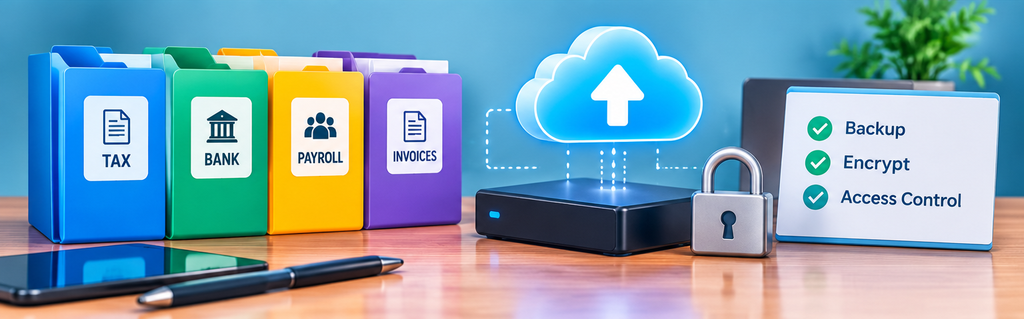
7. Protect Financial Documents
Financial security also means protecting the underlying records.
For digital documents:
- Restrict folder permissions.
- Use MFA on cloud-storage accounts.
- Encrypt sensitive information appropriately.
- Review shared links.
- Remove former employees promptly.
- Maintain recoverable backups.
For paper records:
- Restrict physical access.
- Store sensitive documents appropriately.
- Shred records securely when they’re no longer required.
Don’t send highly sensitive financial information through unsecured channels simply because email or messaging is convenient. Use an appropriately secured portal or file-sharing system when the sensitivity of the information warrants it.
8. Back Up Critical Financial Data
Ransomware, accidental deletion, hardware failure, and account compromise can make financial information unavailable.
Your business should maintain backups appropriate to the importance of the data.
Ask:
- What information is being backed up?
- How frequently?
- Who can access the backups?
- Are backups protected from compromise of the primary system?
- How long are versions retained?
- Can the files actually be restored?
Periodically test restoration rather than assuming a successful backup notification means recovery will work.
9. Monitor Financial Accounts
Account monitoring can help you identify suspicious activity sooner.
Use available alerts for:
- Unusual transactions
- Large transfers
- Password changes
- New payees
- Login activity
- Changes to account details
Review bank, credit card, payroll, and payment-platform activity regularly.
For businesses, establish clear procedures for who is authorized to approve payments and consider additional verification for unusually large or unexpected transactions.
10. Know What to Do If Financial Data Is Compromised
If you suspect compromise, act quickly.
Depending on what happened:
- Contact the affected bank, card issuer, payment provider, or financial institution.
- Secure compromised accounts and credentials.
- Revoke unauthorized sessions or access where possible.
- Preserve relevant records of the incident.
- Check other accounts where compromised credentials may have been reused.
- Notify appropriate internal personnel or cybersecurity professionals.
- Determine whether legal, regulatory, contractual, insurance, or customer-notification obligations apply.
If personal identity information has been stolen, the FTC’s IdentityTheft.gov can provide a recovery plan.
What About a Credit Freeze?
A credit freeze is useful—but understand what it does.
A freeze restricts access to your credit report, making it harder for an identity thief to open new credit accounts in your name.
It does not freeze your bank account, stop fraudulent transactions on an existing card, or protect a compromised business account.
For U.S. consumers, credit freezes are free. You need to contact Equifax, Experian, and TransUnion individually to place freezes.
A fraud alert works differently. It tells businesses to take steps to verify your identity before opening new credit. An initial fraud alert generally lasts one year and can be initiated through one of the three credit bureaus, which must notify the other two.
Financial Data Security Checklist for 2026
Use this as a quick review:
- ☐ Identify sensitive financial information.
- ☐ Limit access based on job responsibilities.
- ☐ Use long, unique passwords.
- ☐ Use a password manager.
- ☐ Enable MFA.
- ☐ Prefer phishing-resistant authentication where available.
- ☐ Verify unexpected payment changes independently.
- ☐ Keep devices and software updated.
- ☐ Secure cloud-storage permissions.
- ☐ Maintain recoverable backups.
- ☐ Monitor financial accounts and alerts.
- ☐ Train employees to recognize phishing.
- ☐ Maintain an incident-response process.
Frequently Asked Questions
Should passwords be changed every 90 days?
Not routinely. Current NIST guidance recommends against requiring periodic password changes without evidence of compromise. Long, unique passwords combined with MFA provide a stronger foundation.
Is SMS authentication safe?
SMS verification can provide more protection than using a password alone, but stronger options are available. Where supported, prefer phishing-resistant authentication such as security keys or properly implemented passkeys.
Do I need a VPN for online banking?
Not necessarily. Modern banking websites and apps generally use encrypted connections. A VPN may add network protection in some situations but does not protect against phishing, compromised devices, fraudulent websites, or social engineering.
Is a credit freeze better than a fraud alert?
They work differently. A credit freeze restricts access to your credit report and can make new-account fraud harder. A fraud alert tells prospective creditors to verify your identity. A freeze generally provides stronger restrictions against new credit being opened using your identity.
Protect the Financial System, Not Just the Password
Strong financial-data security isn’t one setting or one piece of software.
It means protecting the entire process: people, accounts, devices, financial documents, payment procedures, backups, and access permissions.
For small businesses, combining good cybersecurity habits with well-organized financial records makes it easier to know what you’re protecting—and easier to respond when something doesn’t look right.
CTA: Keep Your Financial Records Under Control
Organized bookkeeping gives your business a clearer picture of its financial information and helps keep important records from becoming scattered across disconnected systems.
Connect with IntegriBooks to build a cleaner, more organized bookkeeping process for your business.